
Guide
Time slot sign-ups in Google Forms, without double bookings
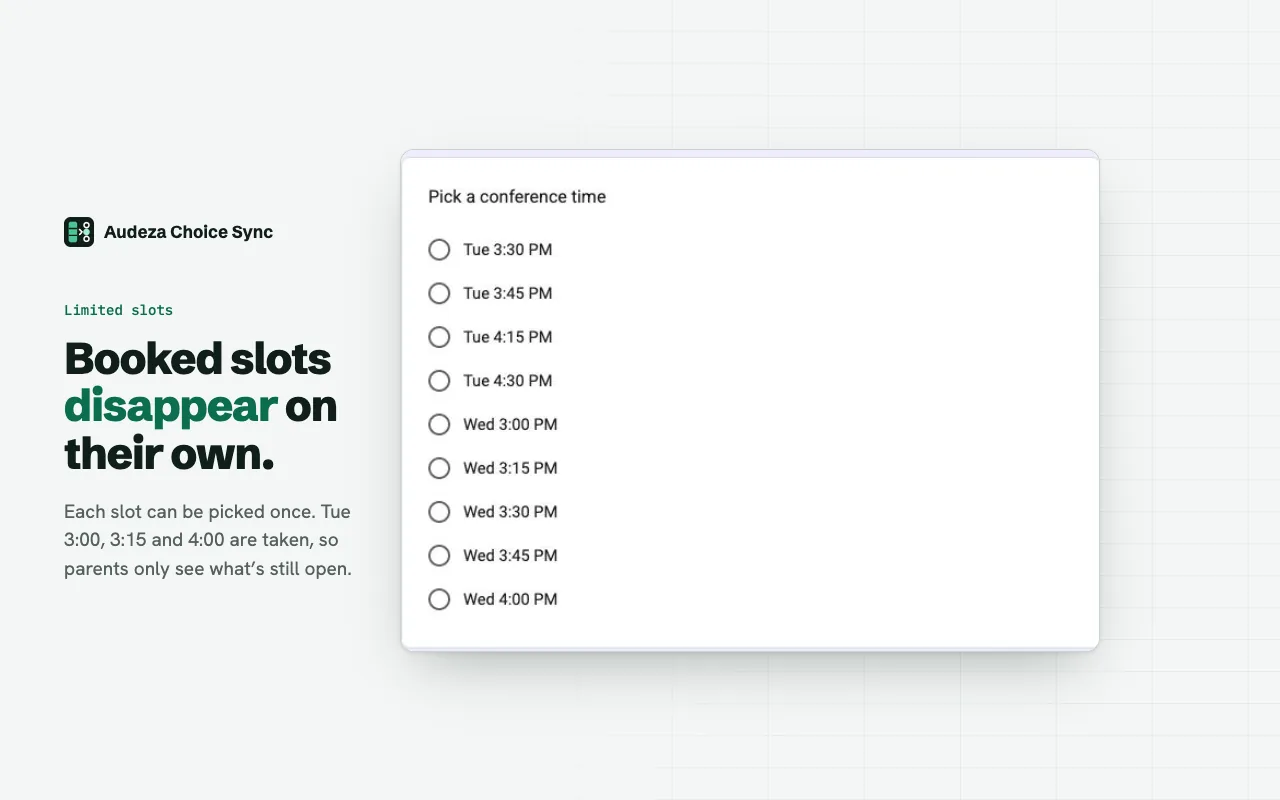
Google Forms has no built-in way to hide a time slot once someone takes it. With Audeza Choice Sync, the slots live in a Google Sheet and each one disappears from the form as soon as it's booked.
What you need
- A Google Form with a multiple choice or dropdown question, for example "Pick a time".
- A Google Sheet with one slot per row in a column. Row 1 can be a header.
- The Audeza Choice Sync add-on, installed from the Google Workspace Marketplace.
Set it up in five steps
- List the slots in a sheet. One per row, written the way people should see them: "Tue 3:00 PM", "Tue 3:15 PM". If some slots can take more than one person, add a second column with the number of places.
- Open the add-on in your form. Click the puzzle icon, then Audeza Choice Sync, then Open, and click Link.
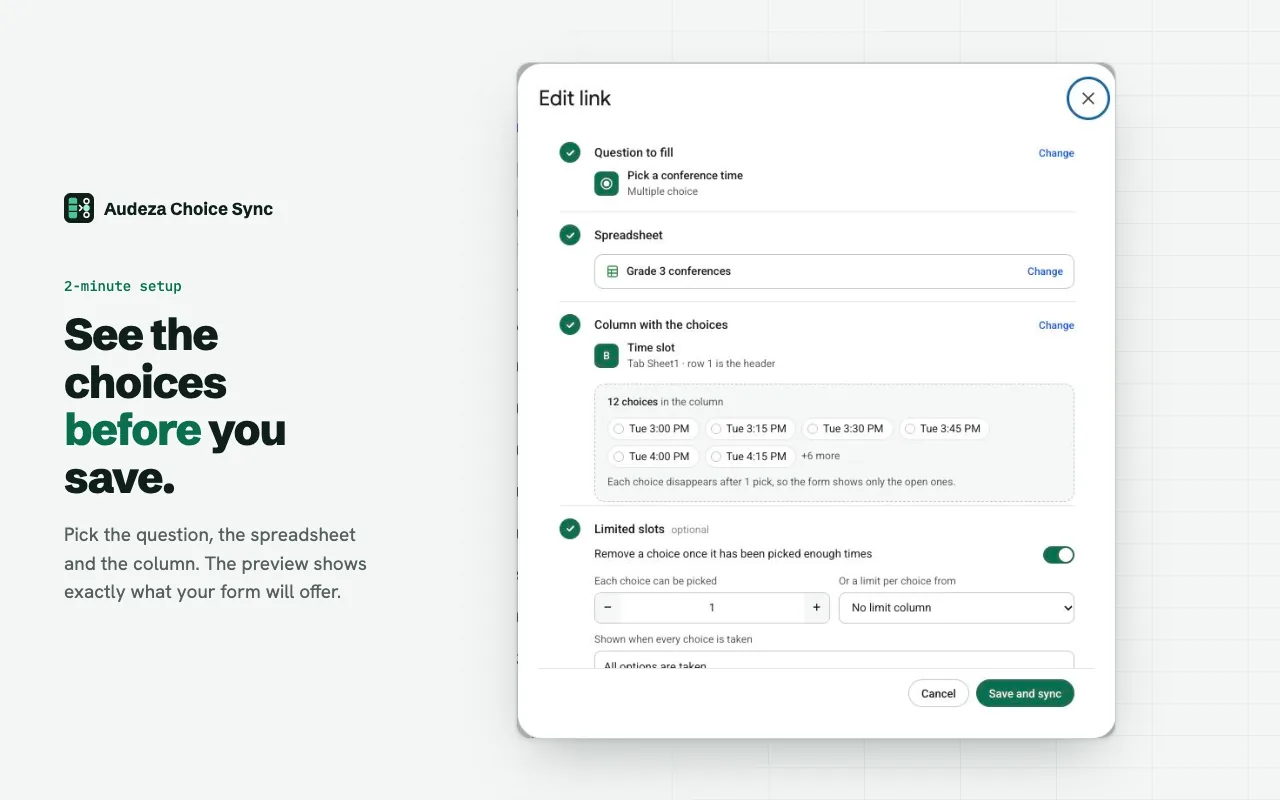
- Pick the question and the column. Choose your time question, then the spreadsheet in Google's file picker, then the slot column. The preview shows the choices before anything changes.
- Turn on limited slots. Switch on "Remove a choice once it has been picked enough times". Each slot can be picked once by default. For more places, raise the number, or pick the places column so each slot gets its own limit.
- Save and sync. The question fills with the open slots. Share the form as usual.
What happens next
After every response, the add-on counts the bookings and removes slots that are full. It also syncs every hour and whenever you click Sync. Add a slot to the sheet and it shows up at the next sync. Delete a response and its slot opens again at the next sync.
When every slot is taken, the question shows one placeholder choice, "All options are taken" by default, because Google Forms needs at least one choice. You can change that text, and you may want to stop accepting responses at that point.
If a sync fails, for example because a header was renamed, the question keeps its current slots and you get an email that says what broke.
Example sheet
| A | B | |
|---|---|---|
| 1 | Slot | Places |
| 2 | Tue 3:00 PM | 1 |
| 3 | Tue 3:15 PM | 1 |
| 4 | Group session, Wed 5 PM | 12 |
Column A becomes the choices. With column B picked as the limit, the first two slots disappear after one booking each, and the group session after twelve.
Questions
Can two people book the same slot?
Only if they submit in the same moment. The form updates a few seconds after each response, but Google Forms doesn't lock a choice while someone is filling it in, so two people who both have the form open can pick the last place. You'll see both in the responses.
Does it work with dropdown questions?
Yes. Limited slots work on dropdown, multiple choice and checkbox questions. They don't work on grid questions.
Can a slot take several people?
Yes. Set how many times each choice can be picked, or point to a column with a number per row.
What if I edit the sheet?
New or renamed slots show up at the next sync: after the next response, at the hourly run, or right away when you click Sync.
Free for 3 linked questions per form, with every feature. Pro removes the limit for $49 a year or $6 a month.